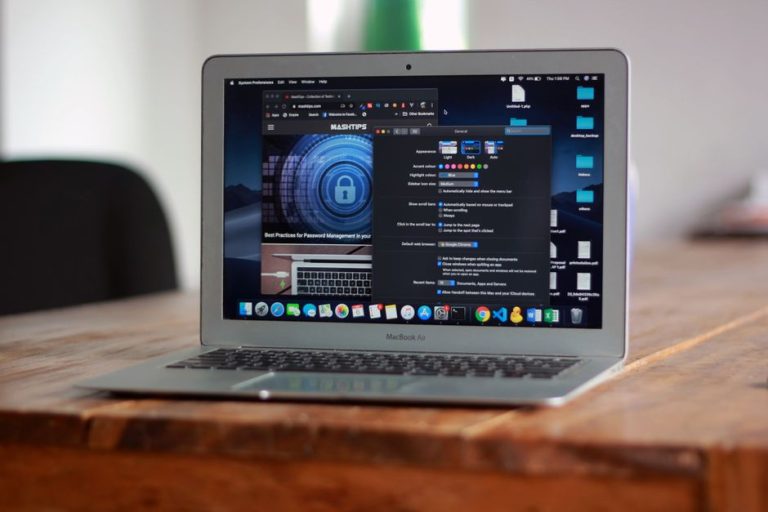
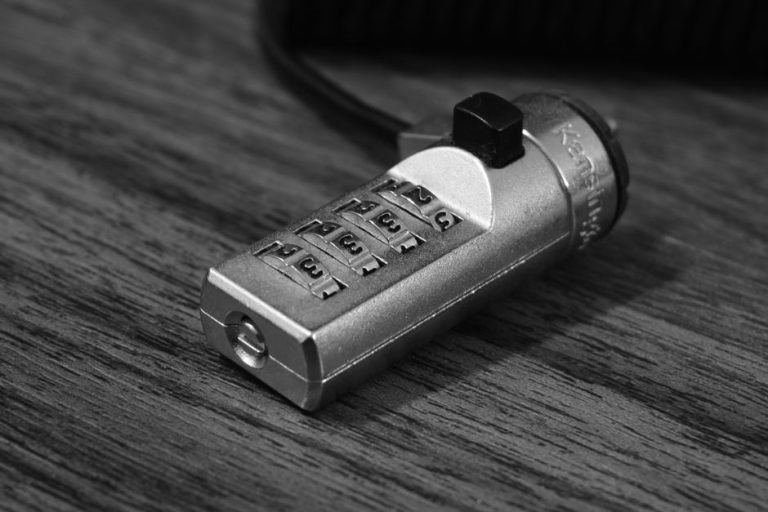
Sarah, a freelance accountant in Phoenix, keeps her client files on an air-gapped laptop. No cloud sync, no remote access, no exceptions. Her firm's compliance requirements demand it. But she still has 80-plus passwords to manage, and sticky notes aren't cutting it anymore. She needs a password manager that works offline, period.
If that sounds familiar, you're in the right place. This guide covers the best offline password managers in 2026, focusing on three strong contenders: NordPass, RoboForm, and 1Password. We'll look at how each handles local storage, offline access, and security, so you can pick the one that fits your situation without wading through marketing fluff.
What "Offline" Actually Means Here
Before we dive in, a quick note on terminology. Most modern password managers are cloud-first by design. "Offline mode" means different things to different products. Some let you access a locally cached vault without an internet connection. Others let you store your vault entirely on-device or on local hardware you control. We're covering both flavors, and we'll be specific about which is which for each product below.
NordPass
NordPass comes from Nord Security, the same team behind NordVPN. It's a relatively young manager compared to the others here, but it's matured quickly. The app uses XChaCha20 encryption, which is a modern cipher with solid credentials. Your vault syncs across devices through Nord's servers by default, but the local cache means you can access saved credentials without an active connection once you've logged in at least once.
The free tier is genuinely usable, though it limits you to one active device at a time. That's actually fine for the air-gapped laptop scenario. You set it up, log in, and the vault stays accessible offline from that point. The premium tier unlocks multi-device sync and a few extras like health reports and data breach scanning.
The interface is clean and modern. Import tools handle CSV files from most major competitors without drama. Autofill works well on both desktop and mobile. Where NordPass falls a little short is in advanced features. There's no local-only storage option, no self-hosting, and the offline mode is a cache, not a true local vault. For Sarah's air-gapped scenario, that's a meaningful distinction.
- XChaCha20 encryption is genuinely modern
- Free tier works well on a single device
- Clean, approachable interface
- Easy import from other managers
- No true local-only storage option
- Free plan limits you to one active device
- Fewer advanced features than older competitors
- Offline mode is cache-based, not a local vault
RoboForm
RoboForm has been around since 1999, which in password manager years makes it practically ancient. That longevity isn't a bad thing. The product has had time to get the fundamentals right, and it shows. Form filling in particular is exceptional, better than most competitors by a noticeable margin. If you fill out a lot of web forms alongside managing passwords, RoboForm earns its keep quickly.
For offline use, RoboForm stores an encrypted local copy of your vault on your device. You can access it without an internet connection as long as you've authenticated recently. The desktop app works well without connectivity, and the data stays on your machine in an encrypted format. It's not fully self-hosted, but the local storage approach is more substantial than a simple cache.
Pricing is among the most competitive in the category. The free version covers one device with core features intact. The paid tiers add sync, emergency access, and cloud backup. The interface looks a bit dated compared to NordPass, but it's functional and fast. Business plans are solid too, with centralized admin controls that IT teams will appreciate.
- Outstanding form-filling capability
- Local encrypted vault copy for offline access
- Very competitive pricing
- Long track record of reliability
- Interface feels dated compared to newer competitors
- Cloud sync required for multi-device use
- No self-hosting or fully local-only option
- Mobile apps are less polished than desktop
1Password
And here's where things get interesting for the offline crowd. 1Password is the clear standout in this category, and the reason comes down to one feature: local vault support through its older 1Password standalone license, plus the more current option of using a Secret Key architecture that keeps your data meaningfully protected even if Nord's or any other cloud provider gets breached. More importantly, 1Password supports local Wi-Fi sync between devices, meaning your vault can sync across your home or office network without ever touching the internet. That's a genuinely rare capability in this space.
The Secret Key system adds a second layer of encryption on top of your master password. Even 1Password's own servers can't decrypt your vault without that key, which only exists on your devices. For compliance-conscious users like Sarah, that's a meaningful architectural difference from competitors.
1Password's interface is polished and consistent across platforms. The Watchtower feature flags weak, reused, or compromised passwords. Travel Mode lets you temporarily hide sensitive vaults when crossing borders, a feature that's genuinely useful for business travelers. The family plan covers up to five users and is excellent value per person.
The main trade-off is price. It's mid-range compared to RoboForm's budget-friendly positioning, but the feature set justifies it. There's no free tier, which may put off casual users. But for anyone serious about offline security and local control, 1Password is the strongest option in this roundup by a clear margin.
- Local Wi-Fi sync keeps vault off the internet entirely
- Secret Key architecture adds meaningful extra protection
- Travel Mode for hiding vaults at borders
- Watchtower breach and health monitoring
- Polished, consistent cross-platform interface
- No free tier available
- Pricier than RoboForm
- Local vault requires older standalone version or careful setup
- May be more than casual users need
Head to Head Comparison
| Feature | NordPass | RoboForm | 1Password |
|---|---|---|---|
| Offline Vault Access | Cached vault, requires prior login | Local encrypted copy on device | Local Wi-Fi sync, no internet required |
| Encryption Standard | XChaCha20 | AES-256 | AES-256 + Secret Key |
| Free Tier | Yes, single device | Yes, single device | No free tier |
| Pricing | Affordable, free tier available | Budget-friendly, most affordable full-featured option | Mid-range, family plan is strong value |
| Form Filling | Good | Excellent | Very good |
| Local-Only Storage Option | No | Partial, local encrypted copy | Yes, via local Wi-Fi sync |
| Platform Coverage | Windows, Mac, iOS, Android, Linux | Windows, Mac, iOS, Android, Linux | Windows, Mac, iOS, Android, Linux, ChromeOS |
| Visit NordPass | Visit RoboForm |
Our Verdict
If offline access and local control are your primary requirements, 1Password is the best offline password manager in 2026. Its local Wi-Fi sync feature is genuinely rare in this category, and the Secret Key architecture provides a meaningful security advantage over cloud-dependent competitors. It's the pick for anyone who needs real offline capability, not just a cached copy of a cloud vault.
NordPass is our top pick for users who want a free, polished offline-capable password manager on a single device. Its XChaCha20 encryption is modern and solid, and the free tier is genuinely functional for single-device use.
But let's be honest about the hierarchy here. 1Password wins the offline category outright. NordPass earns the affiliate-supported pick for budget-conscious single-device users. RoboForm sits comfortably in the middle, especially if form filling is a priority for you.
If you're in Sarah's situation, with compliance requirements and a need for genuine local control, go with 1Password. If you need something free and functional for a single device, NordPass handles that well. And if you want a proven, budget-friendly option with solid offline access, RoboForm has two decades of reliability behind it.
FAQ
Can I use a password manager completely offline, without any internet connection?
Yes, but it depends on the product and how you set it up. 1Password's local Wi-Fi sync lets you keep your vault entirely off the internet. RoboForm stores a local encrypted copy on your device. NordPass requires an initial login to cache your vault, but works offline after that. None of these require a constant internet connection for day-to-day use once configured.
Is a local vault safer than a cloud vault?
Not necessarily safer in absolute terms, but it reduces certain attack surfaces. A local vault can't be breached via a cloud provider's servers. On the other hand, you're solely responsible for backups. If your device fails and you have no backup, your vault is gone. Most security professionals recommend a hybrid approach, local access with encrypted cloud backup.
Does 1Password store my data on its servers?
1Password does use cloud servers for sync, but the Secret Key architecture means your vault is encrypted before it ever leaves your device. Without your Secret Key and master password, even 1Password cannot decrypt your data. The local Wi-Fi sync option bypasses their servers entirely.
Which offline password manager is best for a single device?
NordPass's free tier is hard to beat for single-device use. It's modern, well-designed, and the offline cache works reliably. RoboForm's free plan is also solid for single-device users who prioritize form filling.
Are offline password managers compliant with HIPAA or SOC 2 requirements?
Compliance depends on your specific requirements and how the product is configured. 1Password has completed SOC 2 Type 2 audits, which is relevant for many business compliance frameworks. For HIPAA or other regulated environments, consult your compliance officer before deploying any password manager, and confirm the vendor's current certifications directly.
Key Takeaways
- 1Password is the strongest offline password manager overall, thanks to local Wi-Fi sync and Secret Key encryption that keeps your vault off third-party servers.
- NordPass is the best free option for single-device offline use, with modern XChaCha20 encryption and a clean interface that doesn't require a paid plan to function.
- RoboForm offers the best value for full-featured offline access, with local encrypted storage and exceptional form filling at a budget-friendly price.
- "Offline mode" means different things across products: cached vaults, local encrypted copies, and true local sync are meaningfully different, and you should know which one you're getting.
- No free tier doesn't mean no value: 1Password's paid plans are mid-range, and the family plan in particular is strong value per user.
- For compliance-sensitive environments, 1Password's Secret Key architecture and SOC 2 certification make it the most defensible choice.