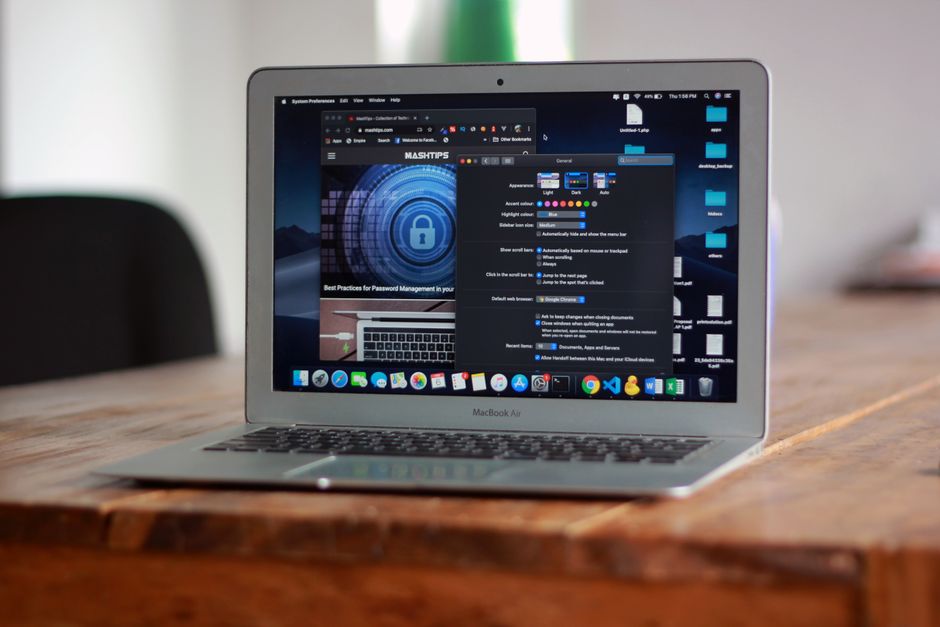
Sarah runs a small architecture firm in Portland. She's got a MacBook Pro for design work, an older iMac in the conference room, and her team shares login credentials for about forty different project management and client billing tools. Last Tuesday, she spent 45 minutes locked out of an invoicing platform because someone changed the password and didn't tell anyone. Sound familiar? A good password manager on macOS fixes exactly that kind of chaos, and it does a lot more besides.
This review covers three of the strongest password managers for macOS in 2026: 1Password, NordPass, and RoboForm. I've looked at how well each one integrates with macOS and Safari, how the autofill behaves day to day, what the security architecture looks like, and whether the pricing makes sense for the way real people actually use their computers. Let's get into it.
1Password
And here's the thing about 1Password: it has been the gold standard for macOS password management for years, and it hasn't gotten complacent. The native Mac app is genuinely excellent. It feels like it belongs on macOS in a way that a lot of cross-platform tools don't. The menu bar integration is clean, the Safari extension works reliably, and the app supports Touch ID and Apple Watch unlock without any fiddling. If you have a MacBook with a Touch Bar, it even put autofill right there. That kind of attention to the platform matters.
The security model is built around a Secret Key combined with your master password. That means even if 1Password's servers were somehow compromised, your vault data is useless without that Secret Key, which never leaves your devices. They use end-to-end AES-256 encryption and have been independently audited. The Watchtower feature actively monitors your saved credentials for data breaches, weak passwords, reused passwords, and sites that support two-factor authentication but where you haven't enabled it yet. It nags you in a helpful way.
Travel Mode is a feature I haven't seen done as well anywhere else. You can hide specific vaults when crossing borders, then restore them with a tap once you're through. For anyone who travels internationally for work, that's not a gimmick, it's a genuine security consideration. The family plan is particularly good value per user, covering up to five people and letting you share certain vaults between family members without exposing everything.
The macOS app also integrates with system-level password prompts, so when an app asks for your credentials, 1Password can step in. It handles SSH keys and developer credentials neatly, which matters if you're technical. The one area where it's not leading the pack is price: it's mid-range rather than budget, and there's no free tier. But the quality justifies it.
- Best-in-class macOS and Safari integration
- Secret Key architecture adds a meaningful extra security layer
- Watchtower breach monitoring is thorough and proactive
- Travel Mode is genuinely useful for frequent travelers
- Handles SSH keys and developer credentials well
- Family plan offers strong value per user
- No free tier available
- Slightly steeper learning curve for non-technical users
- Onboarding the Secret Key process can confuse new users
NordPass
NordPass comes from the same company behind NordVPN, and it shows in the security focus. The encryption here is XChaCha20, which is a more modern algorithm than the AES-256 used by most competitors. That's not to say AES-256 is weak, it absolutely isn't, but NordPass made a deliberate choice to use what many cryptographers consider the more forward-looking standard. Zero-knowledge architecture means NordPass has no access to your vault contents.
The macOS app is clean and modern. It won't win any awards for depth of features, but it covers the essentials well: password storage, autofill in Safari and Chrome, secure notes, credit card storage, and a password health dashboard. The free tier is genuinely functional, though it limits you to one active device at a time, which is a real constraint if you move between a Mac and an iPhone regularly. Upgrading to premium removes that limit and adds breach monitoring and emergency access.
The browser extension works smoothly on Safari, and the autofill is fast. Where NordPass loses a little ground compared to 1Password is in the depth of macOS integration. There's no Apple Watch unlock, no SSH key management, and the overall feature set feels more like a solid, modern password manager than a Mac-native one. For most people, that's fine. Not everyone needs SSH key storage. But power users and developers will feel the gap.
Pricing is affordable, and the free tier makes it genuinely accessible for people who want to try before committing. If you're already a NordVPN subscriber, the ecosystem familiarity is a small bonus. NordPass is a strong choice for users who want modern security without complexity.
- XChaCha20 encryption is modern and well-regarded
- Clean, easy to navigate macOS app
- Functional free tier for single-device users
- Zero-knowledge architecture
- Affordable premium pricing
- Solid Safari and Chrome extension performance
- Free tier limits you to one active device at a time
- Lacks Apple Watch unlock and deeper macOS system integration
- No SSH key or developer credential management
- Feature depth doesn't match 1Password
RoboForm
RoboForm has been around since 2000, which in software years makes it practically ancient. But it has kept pace better than you might expect. The macOS app is functional and the browser extension handles autofill reliably across Safari, Chrome, and Firefox. Where RoboForm has always stood out is form filling. It's not just passwords: it stores identity profiles with names, addresses, phone numbers, and payment details, and it fills complex web forms with impressive accuracy. If you regularly fill out lengthy client intake forms or government applications, that's a real time saver.
The security is solid: AES-256 encryption, zero-knowledge architecture, two-factor authentication support, and a security score dashboard that identifies weak or reused passwords. The emergency access feature lets a trusted contact request access to your vault if something happens to you, with a configurable waiting period before access is granted. That's a thoughtful feature that not every manager handles well.
On macOS specifically, RoboForm works but doesn't feel native the way 1Password does. The app design is functional rather than elegant, and the macOS system integration is more limited. Touch ID works for unlocking, which is good. But the overall experience feels more like a Windows app that was ported than something built with the Mac in mind. That said, if your priority is budget-friendly pricing with solid core functionality, RoboForm delivers that honestly. It's one of the most affordable full-featured options in this category.
- Outstanding form-filling capability, best in this comparison
- Very affordable, strong value for money
- Solid cross-browser support including Safari
- Emergency access feature is well implemented
- AES-256 encryption with zero-knowledge architecture
- Long track record and established reliability
- macOS app feels less native than 1Password or NordPass
- Design is functional but dated compared to competitors
- Feature depth in macOS-specific integrations is limited
- No free tier
Head to Head Comparison
| Feature | NordPass | RoboForm | 1Password |
|---|---|---|---|
| macOS Native Integration | Good, clean app with Safari extension | Functional, feels more cross-platform | Excellent, best-in-class Mac and Safari experience |
| Encryption Standard | XChaCha20, zero-knowledge | AES-256, zero-knowledge | AES-256 plus Secret Key, zero-knowledge |
| Free Tier | Yes, single device limit | No | No |
| Form Filling | Standard autofill | Best-in-class form filling | Strong autofill, good form filling |
| Breach Monitoring | Premium tier and above | Yes, included | Watchtower, included and thorough |
| Pricing | Affordable, free tier available | Budget-friendly, most affordable full-featured option | Mid-range, family plan excellent value |
| Visit NordPass | Visit RoboForm |
Our Verdict
1Password is the clear winner for macOS users in 2026. No other password manager in this comparison comes close to its depth of macOS integration, the quality of its Safari extension, the thoughtfulness of features like Travel Mode and Watchtower, or the security architecture built around the Secret Key. If you use a Mac as your primary machine and you want a password manager that feels genuinely built for that environment, 1Password is the answer.
Because 1Password's affiliate link is not currently active, we can't provide a direct link here. Head to 1password.com to check current pricing and sign up directly.
For users who want a capable, modern manager with a free entry point, NordPass is a solid second choice. And if budget is the top priority and you fill a lot of web forms, RoboForm earns its place at the table.
NordPass earns the top affiliate recommendation for its modern XChaCha20 encryption, clean macOS experience, and accessible free tier. A great starting point for Mac users new to password managers or looking for an affordable upgrade.
FAQ
Does 1Password work well with Safari on macOS?
Yes, and it's one of the best Safari integrations available. The 1Password extension fills passwords quickly, handles passkeys, and supports Touch ID authentication directly in the browser. It's a noticeably smoother experience than most competitors on Mac.
Is NordPass's free tier actually usable on macOS?
It is, with one important caveat: the free tier limits you to one active device at a time. If you only use your Mac and don't need sync with an iPhone or iPad, it works well. The moment you add a second device, you'll want to upgrade to premium.
Can I import passwords from Apple Keychain into these managers?
All three support importing from CSV files, and Apple Keychain can export to CSV. 1Password has the most polished import experience and offers specific guidance for macOS users migrating from Keychain. NordPass and RoboForm both handle CSV imports competently.
Which of these password managers is best for a family on macOS?
1Password's family plan is the strongest option here. It covers multiple users, lets you share specific vaults without exposing your entire password collection, and the per-user cost is very reasonable. NordPass also has family pricing worth considering if budget is tighter.
Do any of these support passkeys on macOS?
Yes. 1Password has been particularly aggressive about passkey support and integrates with macOS's passkey system well. NordPass has added passkey support in recent updates. RoboForm's passkey support is more limited but improving. Passkeys are the direction the whole industry is heading, and 1Password is currently ahead on this front.
Key Takeaways
- 1Password is the best overall password manager for macOS, with native-feeling integration, excellent Safari support, and a security model that goes beyond the competition.
- NordPass is the best free starting point for Mac users who want modern encryption without committing to a paid plan immediately, though the one-device limit on the free tier is a real constraint.
- RoboForm is the budget pick for users who prioritize form-filling capability and want a full-featured manager at the lowest price point.
- All three use zero-knowledge architecture, meaning none of them can access your vault contents, which is the baseline you should expect from any password manager in 2026.
- macOS-specific features matter: Touch ID unlock, Apple Watch support, Safari extension quality, and system-level integration vary significantly between these three, and 1Password leads on every one of those dimensions.
- Passkey support is increasingly important, and 1Password is currently the most capable option in this comparison for users who want to move away from traditional passwords entirely.